To gain access to Online Ads TikTok Leads, Customer Engagement users should contact their Voyado account manager.
How it works summary
- Connect your TikTok Business account to Voyado Customer Engagement
- Choose your TikTok Pages and lead forms to sync
- Map the data fields to Customer Engagement attributes
- Set up automations or flows to activate those leads
Setting up the integration
The setup and configuration of the TikTok Leads integration is done like this:
-
Create contact attribute
To track what form the customer has arrived from, go to Config Hub and create a custom attribute called customSource of type String.
Do it like this:
-
Initial leads setup
Log in to Onsite Manager:
Or go to Config Hub again, where you can configure Lead Ads.
If you don't see Lead Ads in Config Hub, contact Voyado support.
-
Accelerator setup
In Onsite Manager, go to Accelerator Configuration → Accelerators for lead ads.
If this section is missing, contact Voyado support.
Use your existing site in OSM. Currently, you can only connect to one site in OSM.
-
Connect to TikTok
In Onsite Manager, press Actions → Edit.
In the TikTok section, connect to your TikTok Page.
Go through the TikTok permission flow.
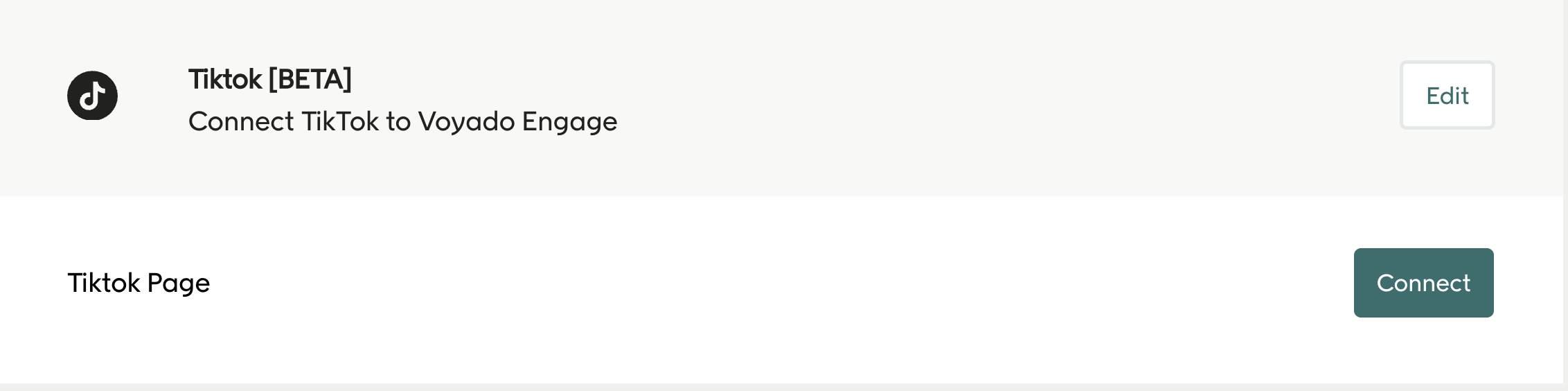
- Click Connect. Then you will see this:
-
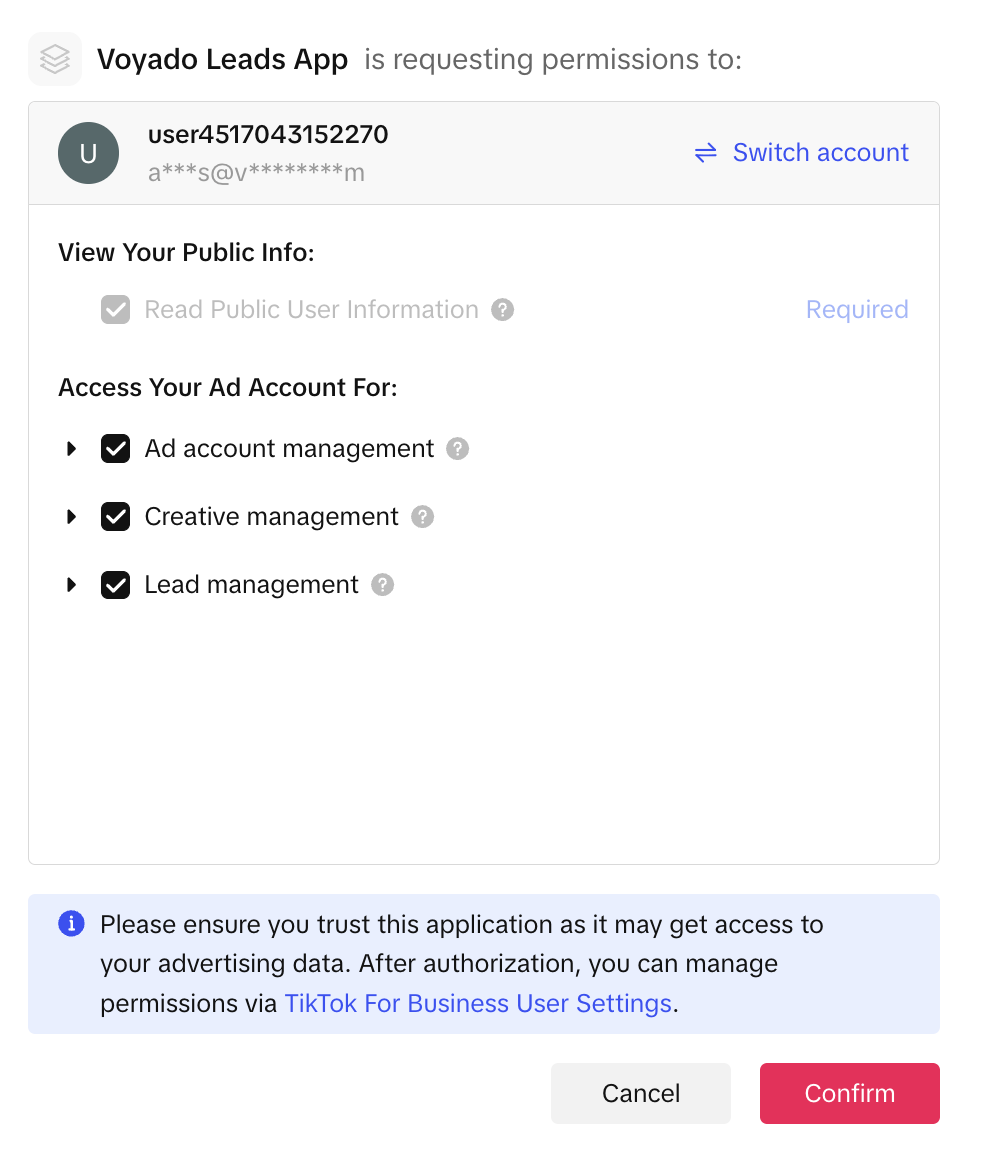
Press Confirm. You should now be authenticated with TikTok.
-
Form mapping
Once connected, Customer Engagement will pull in your TikTok Lead Forms.
If no forms are visible, ensure one is created in TikTok for your campaign.
Choose the form you want and then map its fields to Customer Engagement.
The Get forms button will fetch all the forms on your page that you can connect to Voyado Customer Engagement.
Once you've done that, you will get a list of forms under TikTok forms.
Press the form that you want to connect to Voyado Customer Engagement, then press Get fields.
This will retrieve all the fields on that specific form.
Map the fields as shown in the image.
Then press Save.
-
CRM verification in TikTok
There is no way to see in TikTok if the connection has been done unfortunately but you should be able to test the integration, see below.
Testing the integration
You can test your form directly in TikTok Ads or manually using TikTok Lead Ads Testing Tool.